


Your Calendar is Now a Content Engine
Here’s How Organizing an event, whether it’s a webinar, a sales demo, or a company town hall, involves a frustrating number of disconnected steps.
You create the event in your calendar, then build a separate landing page, send out email invitations, try to track RSVPs from different channels, and then manually send out updates or cancellation notices if something changes. Each step is a potential point of failure and a drain on your time.
What if you could orchestrate all of that—from generating a branded landing page to sending automated, intelligent updates—just by creating a single event in your regular calendar?
This isn’t a futuristic concept; it’s the reality of an API-first, server less architecture for event communications that turns one of the world’s most common applications into a powerful command line.

1. Your Calendar Invite is a Powerful API Call
The core of this system is a counter-intuitive but brilliant idea: a simple calendar invitation acts as a command.
To see how this works, let’s use a real-world example. An organizer, let’s call her Mandy, creates an event in her standard calendar application. The only unique step she takes is to invite a specific email address that functions as the system’s inbox. Using a service like Calendarsnack, this address is create@calendarsnack.com.
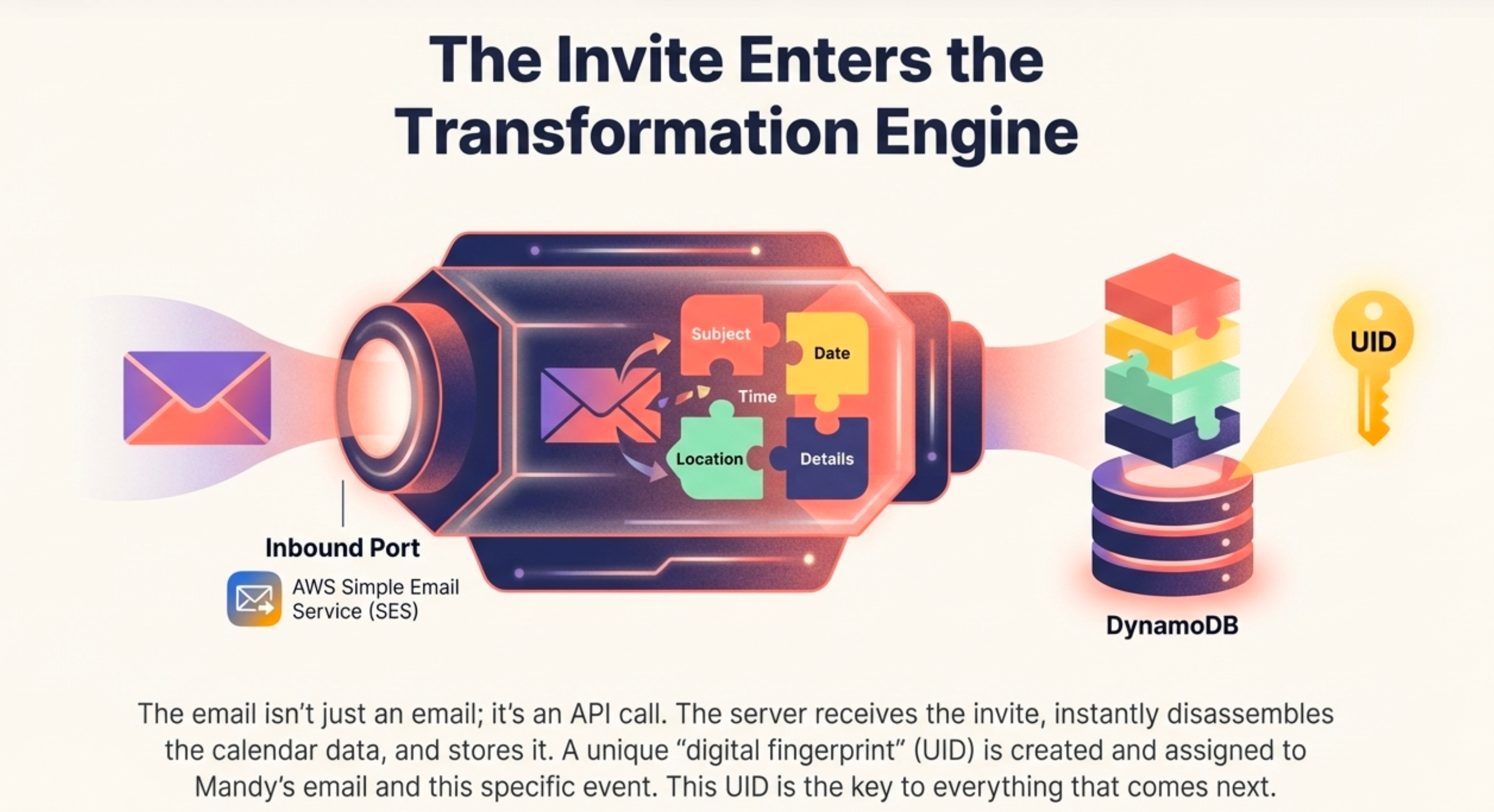
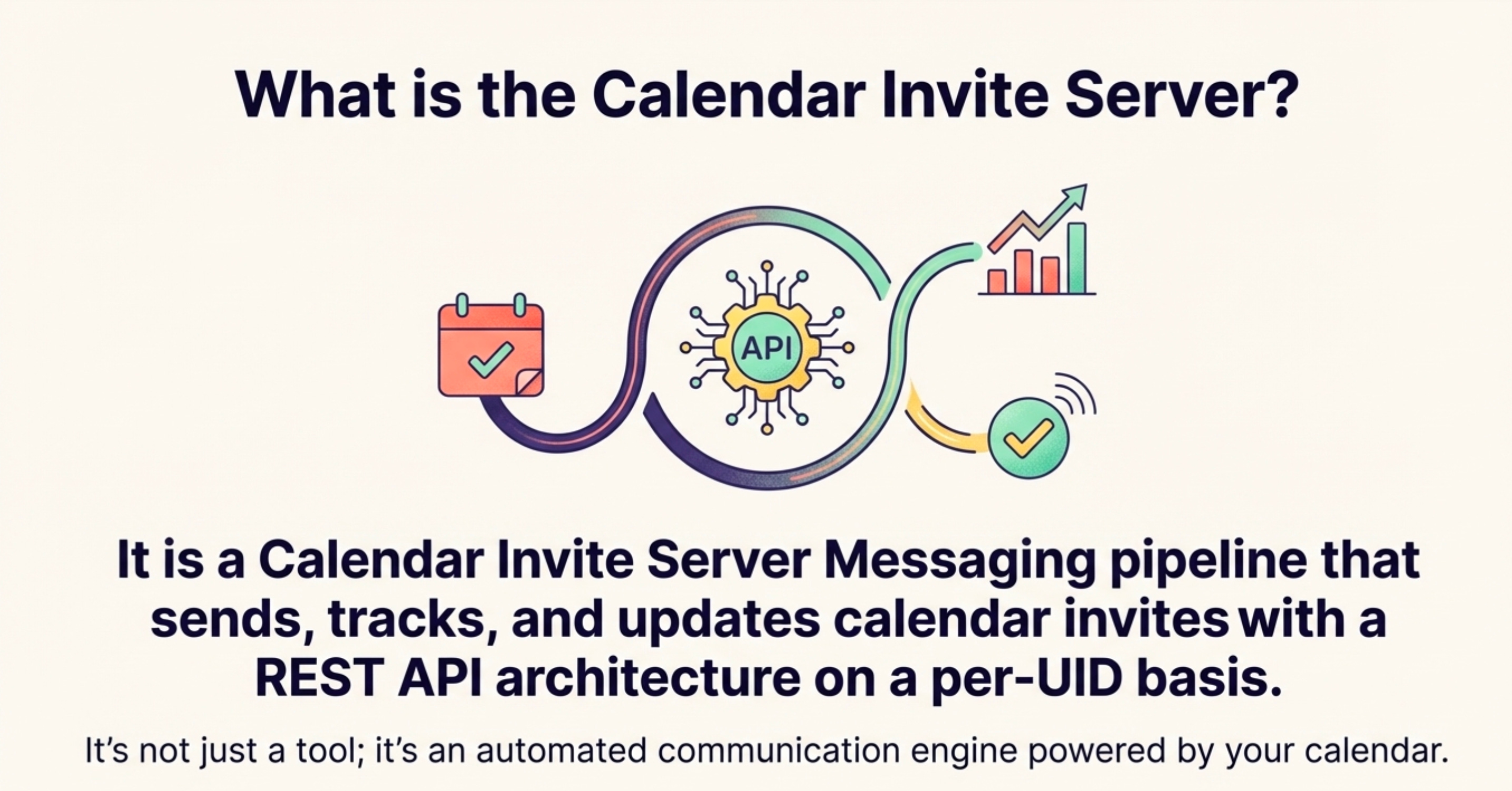
This action, which feels like sending a simple meeting request, is actually a secure API call. The email is received by an AWS Simple Email Service (SES) inbox configured to act as an inbound REST API endpoint, triggering a Lambda function that begins processing the event. Within minutes, Mandy receives a notification email confirming the event has been created and her shareable landing page is ready.
The create@calendarsnack.com email box serves as an Inbound Rest API Endpoint for processing Calendar Invitations by Organizers.
Behind the scenes, the system disassembles the calendar data and stores it in a database, assigning it a Unique Identifier (UID) linked directly to Mandy’s email address. This UID is the critical thread that connects the organizer, the event, the landing page, and all subsequent communications into a single, cohesive workflow.
2. A Single Invite Instantly Generates a “Living” Landing Page for Single Events and Multi Events
Within two minutes of sending that initial calendar invite, the system automatically generates a fully stylized, shareable landing page. All the essential information from the calendar entry is intelligently mapped directly onto this page, including the subject, date, start/end time, location, Google Meet/Zoom info, and details from the message body.
The most powerful feature of this page is that it’s “living.” It isn’t a static snapshot. If Mandy needs to change the time, add a promotional offer to the description, or correct a typo, she simply edits the event in her own calendar and saves it. The landing page updates automatically and in real-time.
These pages can be built from templates or receive custom designs for specific brands, as demonstrated by this powerful example for the NFL, including creating and displaying multi events which follow the same workflow and added to the page in chronological order.
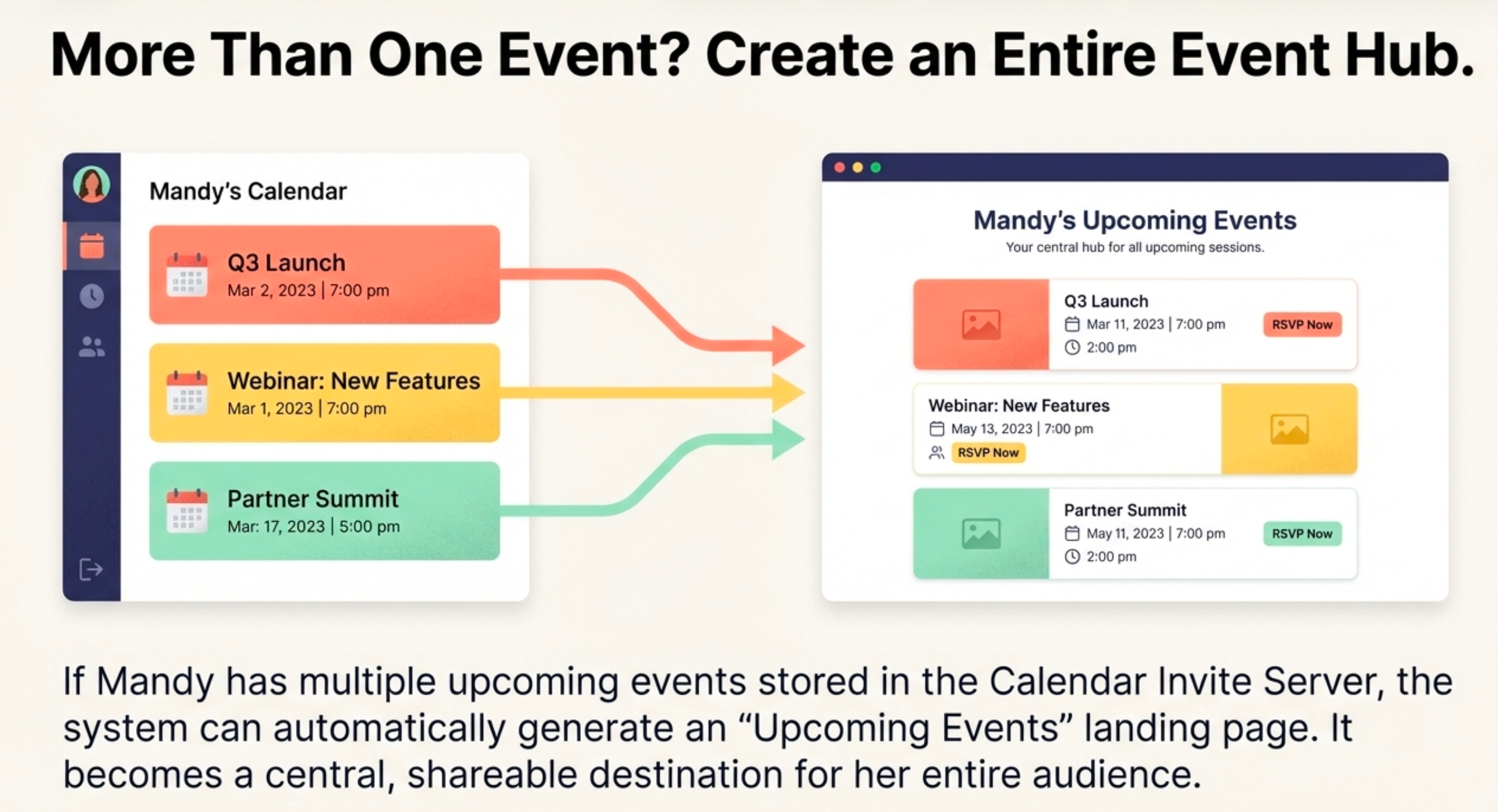
For more on how Arnie our Co-Founder crafted the Multi Event displays into a Brand-able website built here. https://nfl2025.31events.com/docs
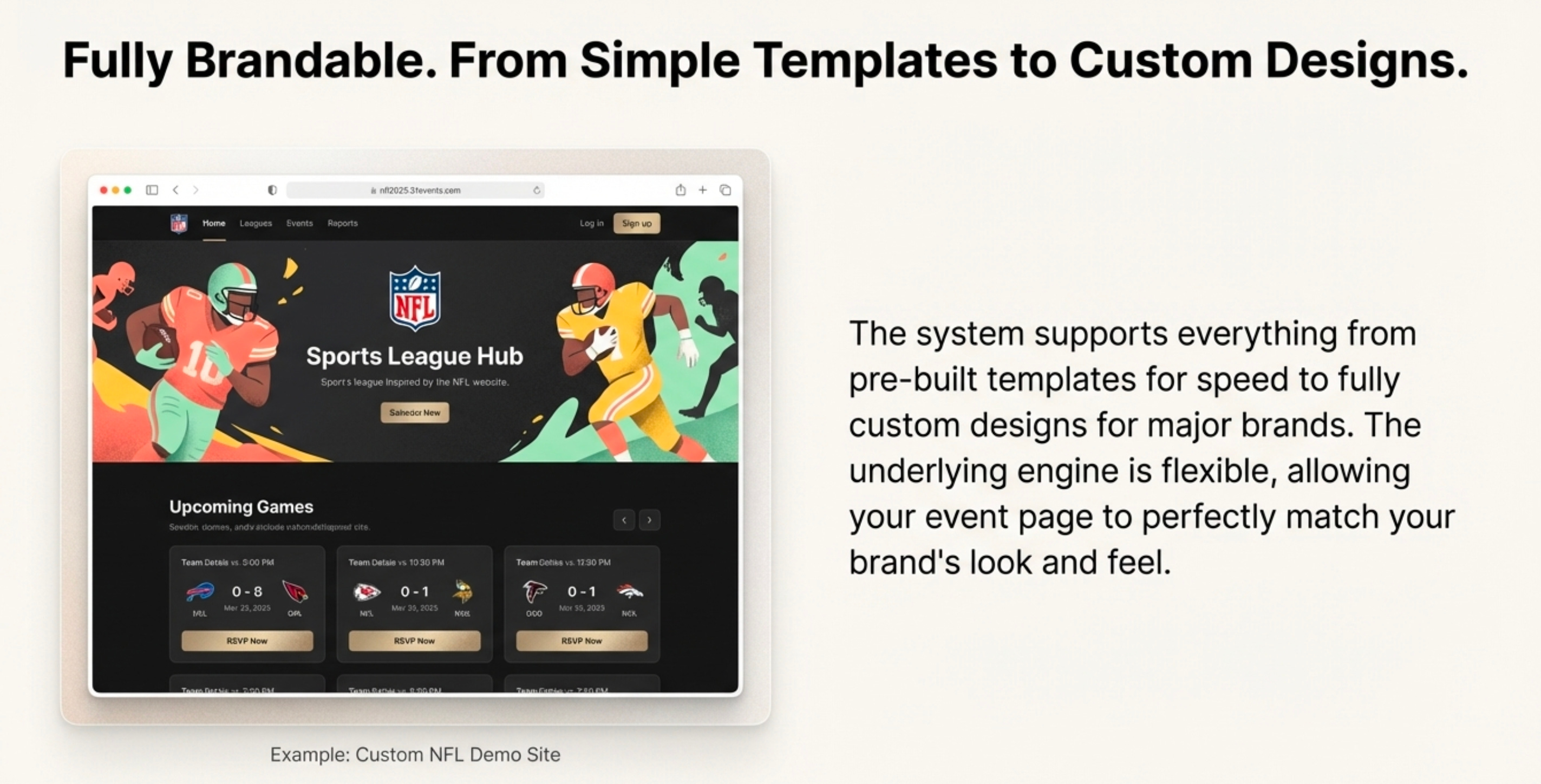
https://nfl2025.31events.com live page until seasons over.
Updating any data on the Landing Page is done from the Organizers Calendar Client using the same UID workflow. That is using the Calendar Client for that event and editing it and saving it.
This direct, UID-based link between the organizer’s calendar and the public-facing page ensures information is always accurate without any manual intervention or redundant data entry.
For more on NFL demo’s and the Calendar Invite Server see here.
https://www.youtube.com/playlist?list=PLdSilqG9xuIaG7hDdX0R6BMHbWxG9UD_3
3. It Automates Updates and Cancellations Intelligently
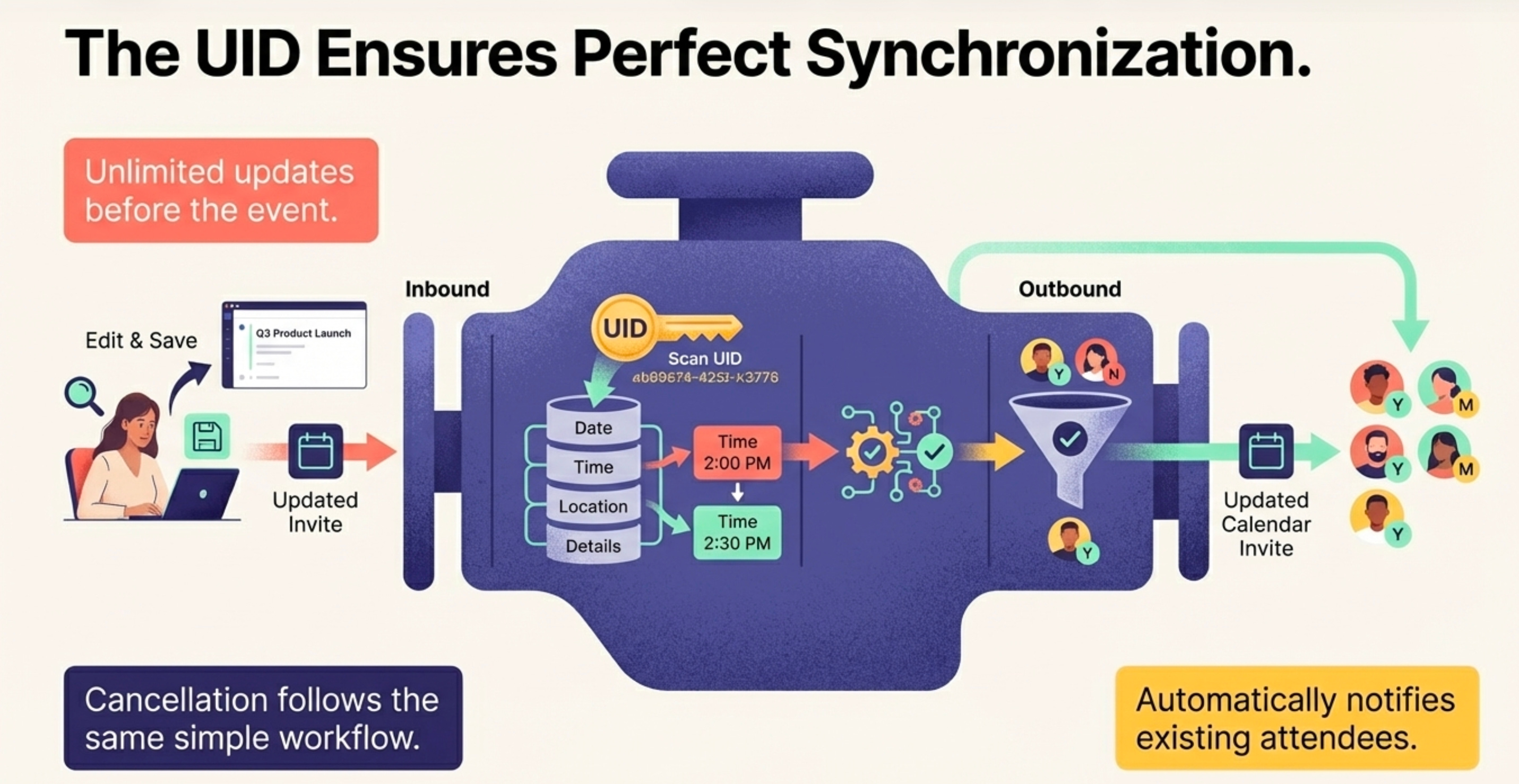
The system’s intelligence extends to how it communicates changes after people have signed up. When an organizer updates an event in their calendar, the pipeline doesn’t blast an email to everyone. Instead, it automatically sends the updated calendar invitation only to customers who have already responded with ‘Yes’ or ‘Maybe’. This respects the audience’s attention by targeting updates only to those who have expressed interest.
Similarly, if the organizer cancels the event, a cancellation notice is automatically sent to everyone who received the initial invitation, ensuring no one is left with an outdated event on their schedule. A key technical detail is that the event data is not deleted from the database but is “marked as canceled,” preserving the record of the event. While this entire process is automated by default, a manual approval workflow can be enabled for organizers who need more oversight.
4. It Replaces Multiple Tools with a Single, Unified Pipeline
This technology is far more than a neat trick; it’s a complete, deployable messaging architecture designed to replace several disparate tools with one cohesive system.
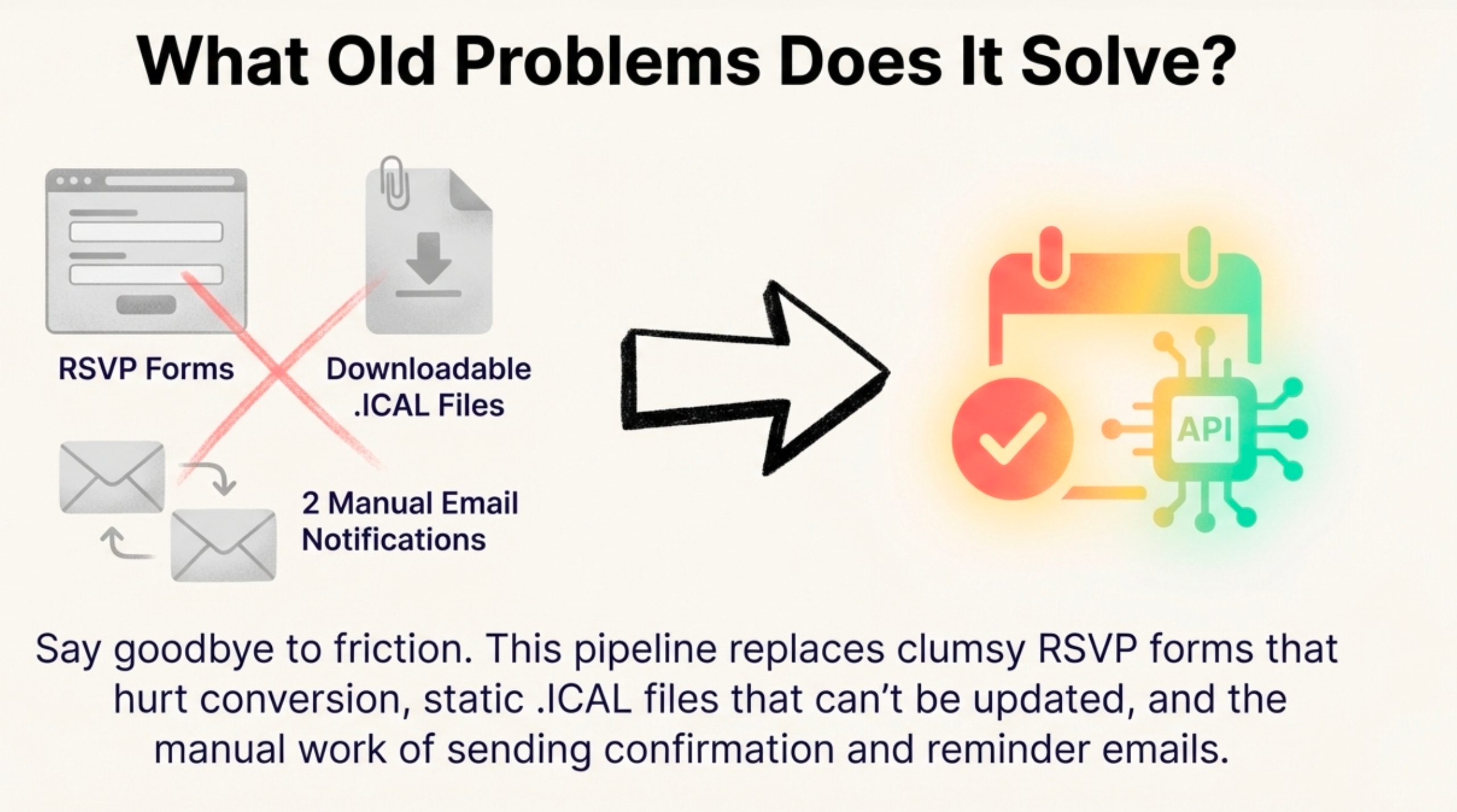
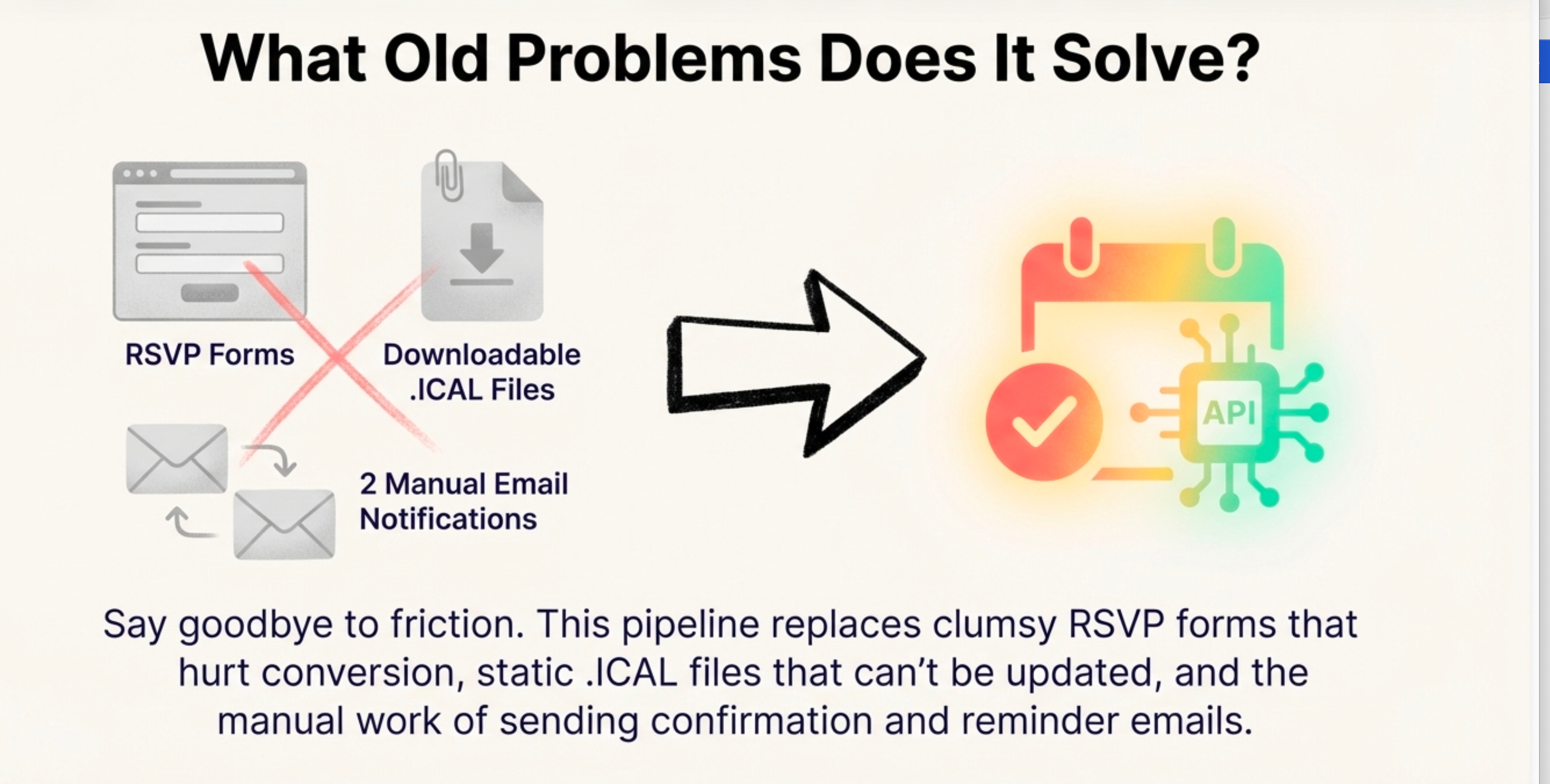
This pipeline model replaces:
RSVP Forms
Manual creation of downloadable ICAL files
At least two separate email notifications
This is a full-circle solution. It not only sends invites but closes the data loop by tracking them on a per-UID basis. Calendar receipts (Yes, No, Maybe responses) from a customer’s own calendar client are sent back to the API gateway, processed, and stored in DynamoDB. This transforms a simple invitation into a rich source of analytics for decision-making.
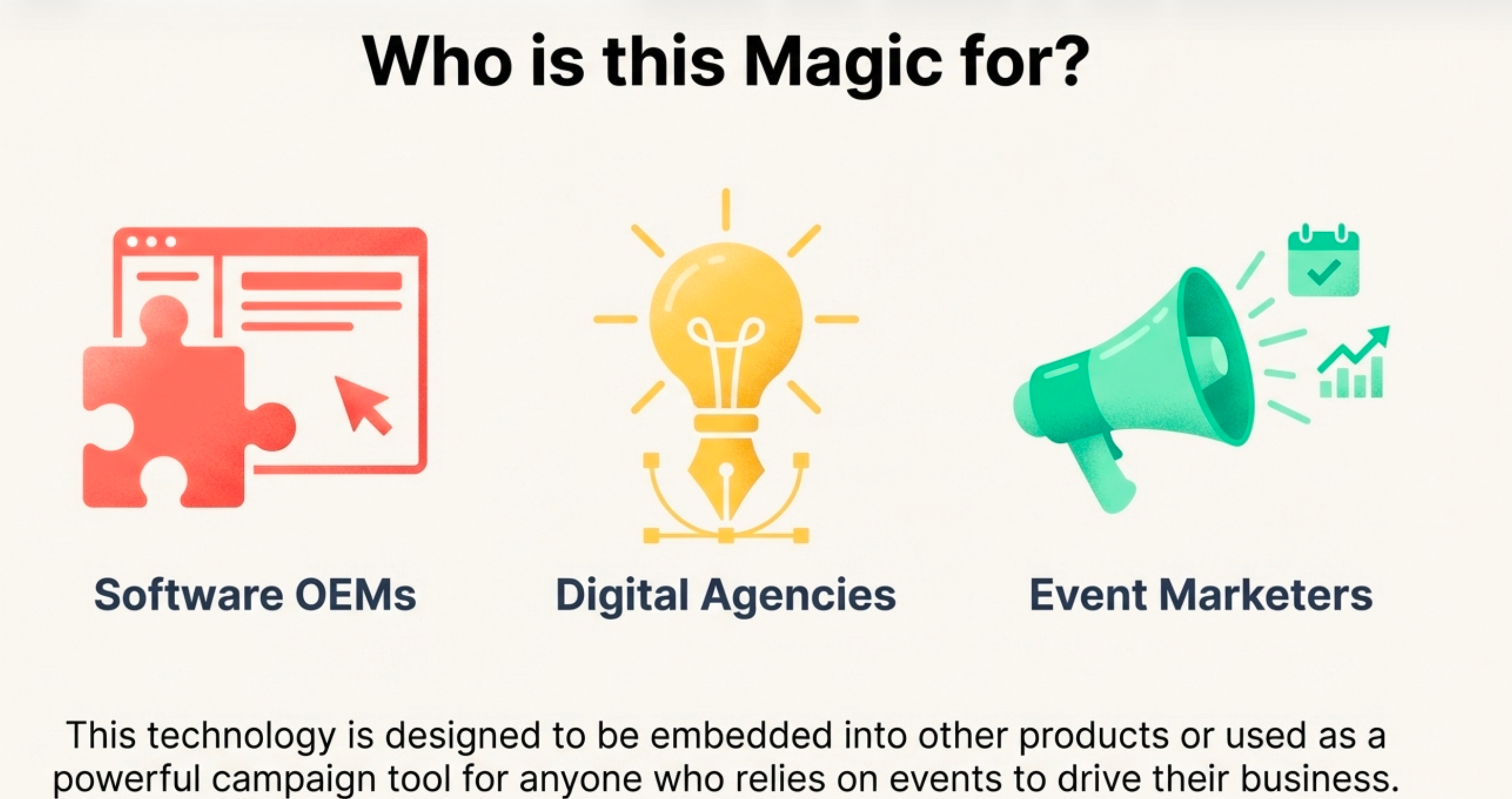
This entire pipeline is built on a serverless AWS stack, including API Gateway, SES, DynamoDB, and Lambda, and is available as a deployable Cloud Formation installer. The whole system, powered by nine distinct APIs, is designed not just for end-users but as a platform for Software OEMs, Digital Agencies, and Event Marketers to build their own custom solutions.
Conclusion: Rethinking the Tools We Use Every Day
By abstracting a complex, serverless AWS backend behind the universal interface of a calendar client, this architecture transforms a simple invite into the command center for a sophisticated communications pipeline. It eliminates friction, automates communication, and unifies a fragmented workflow by leveraging the tools people already use.
This reimagining of the calendar makes you wonder: what other powerful platforms are waiting to be built by treating the simple software we use every day not as an application, but as an API?
Contact me at greg@techvader.com for any OEM questions or LK.